No account. No uploads. Just a little imagination.
Soft stitches. Big personality. Endless possibilities.
✳ Made for your imagination◌ 100% browser-local preview↗ Free to create & copy
YOUR LITTLE CREATIVE WORKSHOP
From favorite face to yarn-inspired prompt.
Choose a subject. Find your style. We’ll take care of the words.
+Your inspiration stays with you
JPG or PNG · up to 10 MB · local preview only
Your photo never leaves this browser. It does not change the prompt automatically.
✧ Ready to personalize
Make it yours: add hair, clothing, markings or the exact family size. New selections replace your edits.
Then paste it into your preferred image tool with your reference photo.
Words here. Images in your chosen tool.
This is not an image generator or photo filter. No photo analysis, uploads or image generation happens here.
A SMALL GUIDE TO A SOFTER LOOK
What is the Crochet AI Filter?
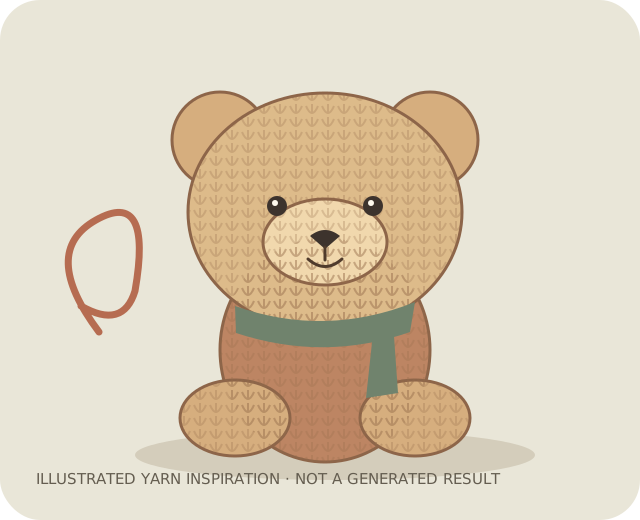
A crochet AI filter is a visual effect that reimagines a subject as a handmade yarn figure. Crochet stitches, soft fibers and rounded doll proportions replace photographic surfaces. People use the phrase for both photo effects and image-to-image transformations; the actual result depends on the image tool and its settings.
How to Make a Crochet AI Photo
Start with a clear photo, choose a subject and yarn style below, then copy your prompt. Open an image tool that supports reference photos, add your photo there and paste the prompt. Ask it to preserve the features that matter. Review the result and refine one detail at a time. This website writes the prompt; image generation happens in your chosen tool.
Tips for Better Results
Use an evenly lit photo with an uncluttered background. Describe distinctive hair, clothing or pet markings. Ask for visible crochet loops and matte yarn so the result reads as handmade. If a face loses its identity, reduce stylization in your image tool or describe its most recognizable features.
Reimagine the person in the reference as a handmade crochet doll. Keep the short curly hair and mustard sweater; use visible cotton loops, embroidered eyes and softly rounded proportions. Full-body portrait on a warm ivory backdrop, soft window light, no plastic shine.
02 / PET
Small paws, softer stitches
Turn the reference cat into a cute amigurumi figure. Preserve its white muzzle, orange coat and striped tail. Use fine matte yarn, tidy crochet stitches and embroidered features. Seated pose, gentle studio lighting, no extra paws.
03 / COUPLE
Better together
Create exactly two handmade yarn dolls from the reference couple, standing side by side. Preserve each person’s hair and outfit separately. Use a coordinated earthy palette, visible crochet loops and delicate stitched seams. Keep both figures fully in frame.
LOOSE ENDS, TIED UP
A few things you might be wondering.
Does this website generate crochet images?
No. Loop & Loom generates English text prompts. Copy a prompt into an image tool that supports your intended workflow to create an image. No image generation API is connected here.
Are my photos uploaded or stored?
No. Your selected photo is previewed with a temporary browser object URL. This site does not upload it, save it to browser storage or send it to an API. Removing it or closing the page releases the preview.
Is the prompt generator free?
Yes. The prompt generator needs no account or payment. Any external image tool you choose may have its own limits, pricing and privacy policy.
Can this make a real crochet pattern?
No. A crochet-style picture is not a tested crochet pattern. It does not supply stitch counts, materials or construction instructions.
Can I use a family photo?
Yes. Choose Family and use a reference with clearly separated faces. Add the exact number of people and describe their positions in the editable prompt before using it in another tool.